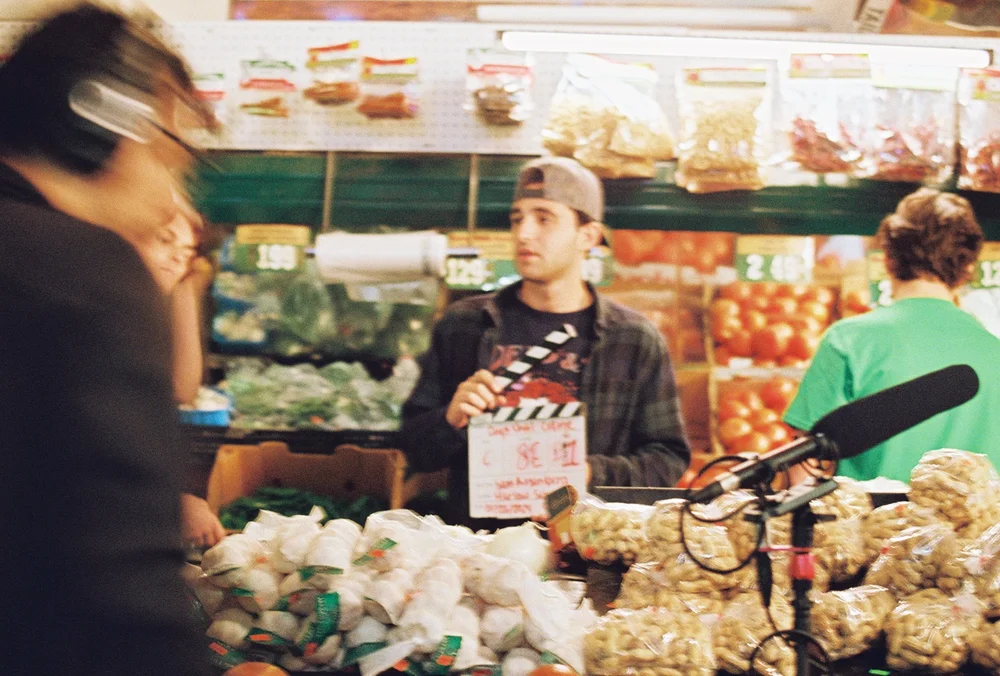
Matthew Walensky is a University of Southern California graduate from the Annenberg School of Communication and Journalism and the School of Cinematic Arts.
With experience spanning professional sports, brand content, short film, and editorial photography, Matthew brings a thoughtful, human-centered perspective to every project — driven by a mission to create real social impact through the power of visual storytelling.
Edit text shown across the site. Save writes to content.json and the page re-renders.
Edit every video's title. Drag a row to reorder. Saves automatically.
Add or edit photo captions. Saves automatically. To reorder photos, open the Stills page and click ⇅ Arrange photos.
Admin URL
Enable on any device: append ?admin=1 to the URL (e.g. matthewwalensky.com/?admin=1). Disable: ?admin=0. Setting persists in your browser.
Site Copy
Edit names, titles, descriptions. Click Save Site Copy when done — locally it writes to content.json; on the live site it falls back to copying the JSON to your clipboard, which you paste into content.json and commit.
Videos
Pick a project then a tab to see each video's title in editable form, drag to reorder, then save.
Photos
Reorder: on the Stills page click ⇅ Arrange photos. Click a photo to pick it up, then click where it should go. Use To front / To end for big jumps, arrow keys to nudge one slot, and Undo to take back the last move. Every move saves automatically.
Featured: click the ☆ in a photo's corner to add it to the Featured tab; click again to remove.
Adding new media
Photos: drop into images/gallery/<cat>/, run python3 generate-manifest.py. Videos: drop MP4s into videos/<project>/<tab>/ or paste URLs into _links.txt in that folder, then run python3 generate-videos.py.